On-device processing
Cookbook OCR and ingredient understanding happen on your iPhone.
 Crumb
CrumbYour cookbooks, finally useful everywhere
Crumb captures the recipes you love, tidies every ingredient on your iPhone, and carries them from tonight’s dinner to next week’s grocery run.
Built for iOS 26 · No account required for local use

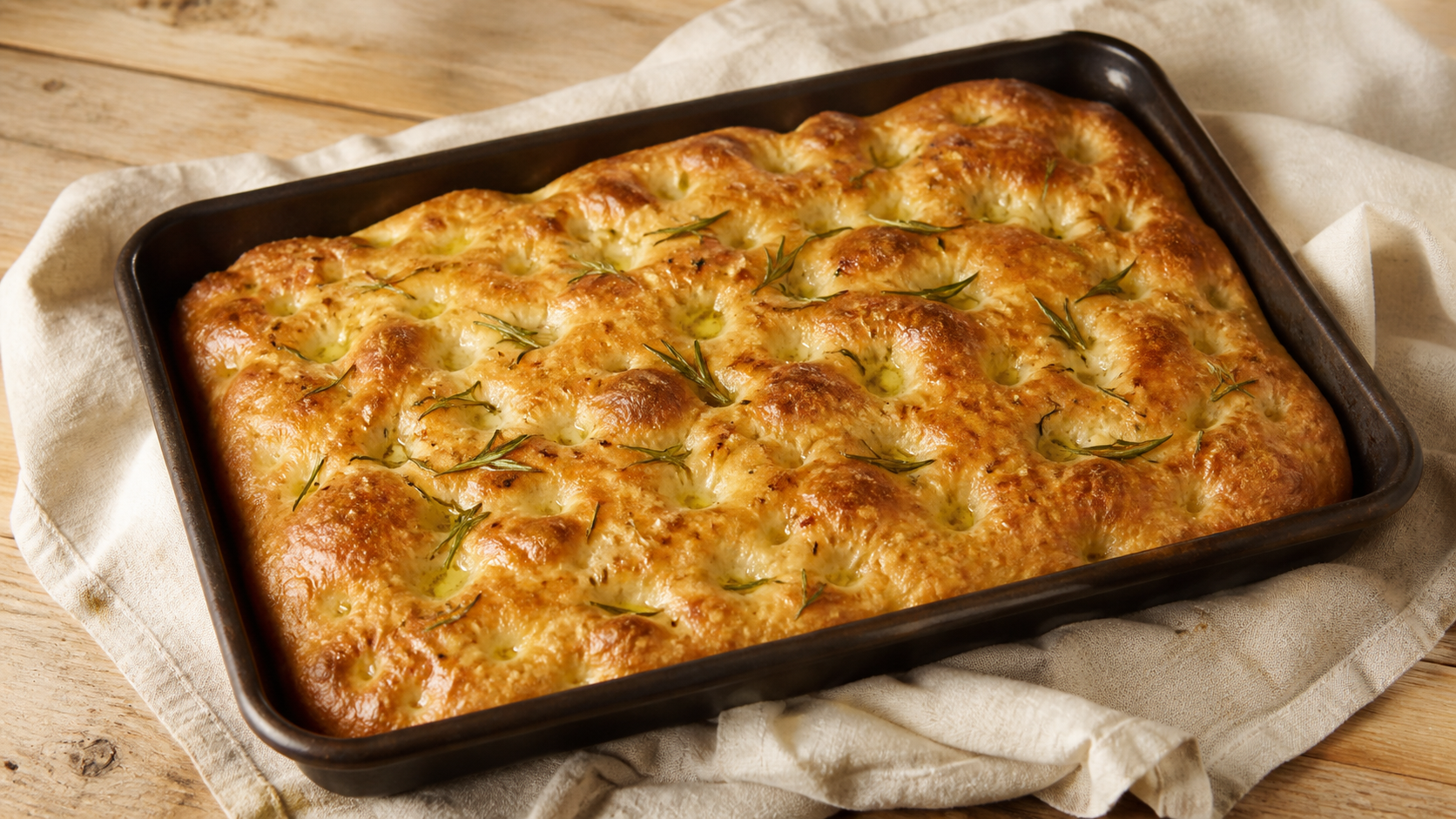
Focaccia, from page to plate. Source, servings, ingredients, and method stay together.
Your best recipes shouldn’t be trapped on a shelf. Crumb makes them part of everyday cooking.
Capture
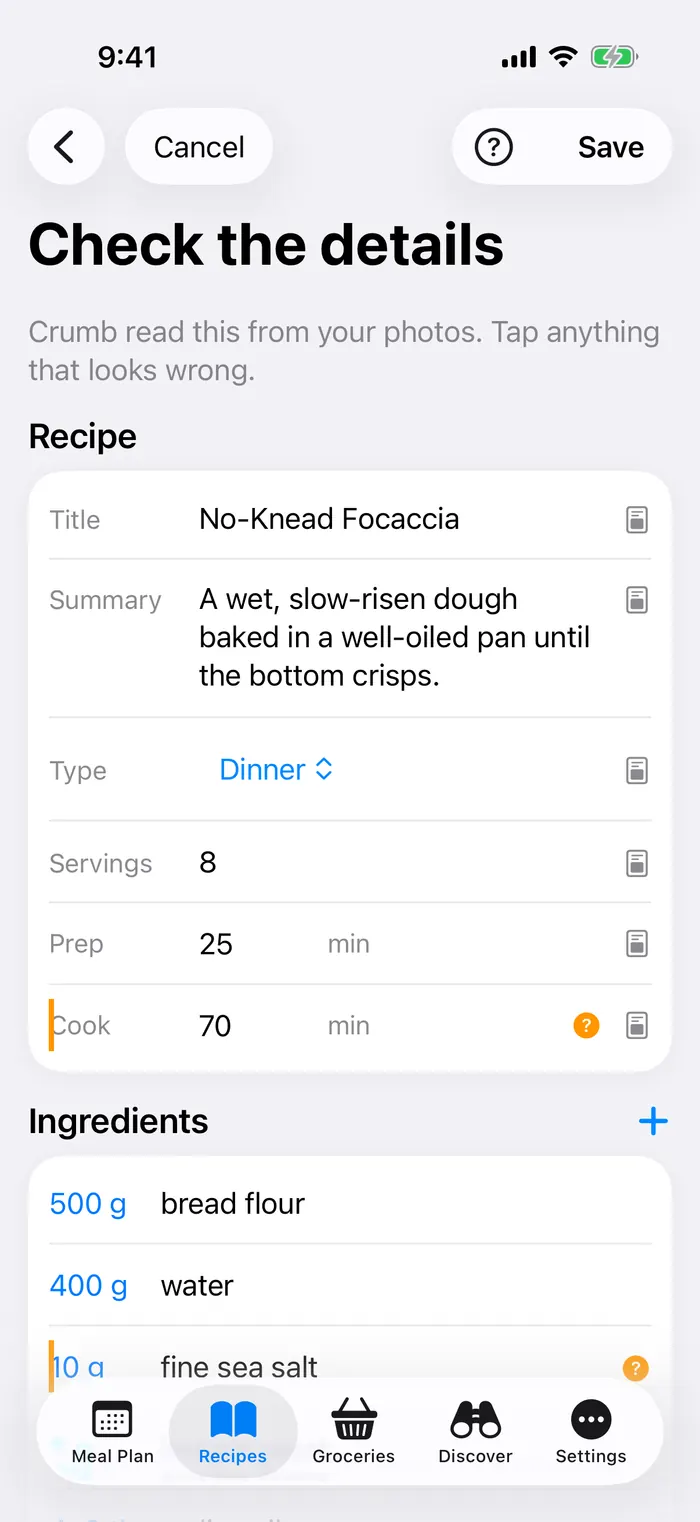
Capture one page or a whole spread, reorder pages, and add a finished-dish photo. Crumb structures the recipe as fields arrive so you can review the important parts right away.

Ingredient intelligence
A custom on-device model separates food, size, preparation, and notes, while Crumb highlights anything uncertain for review. You stay in control of every correction.
Your library
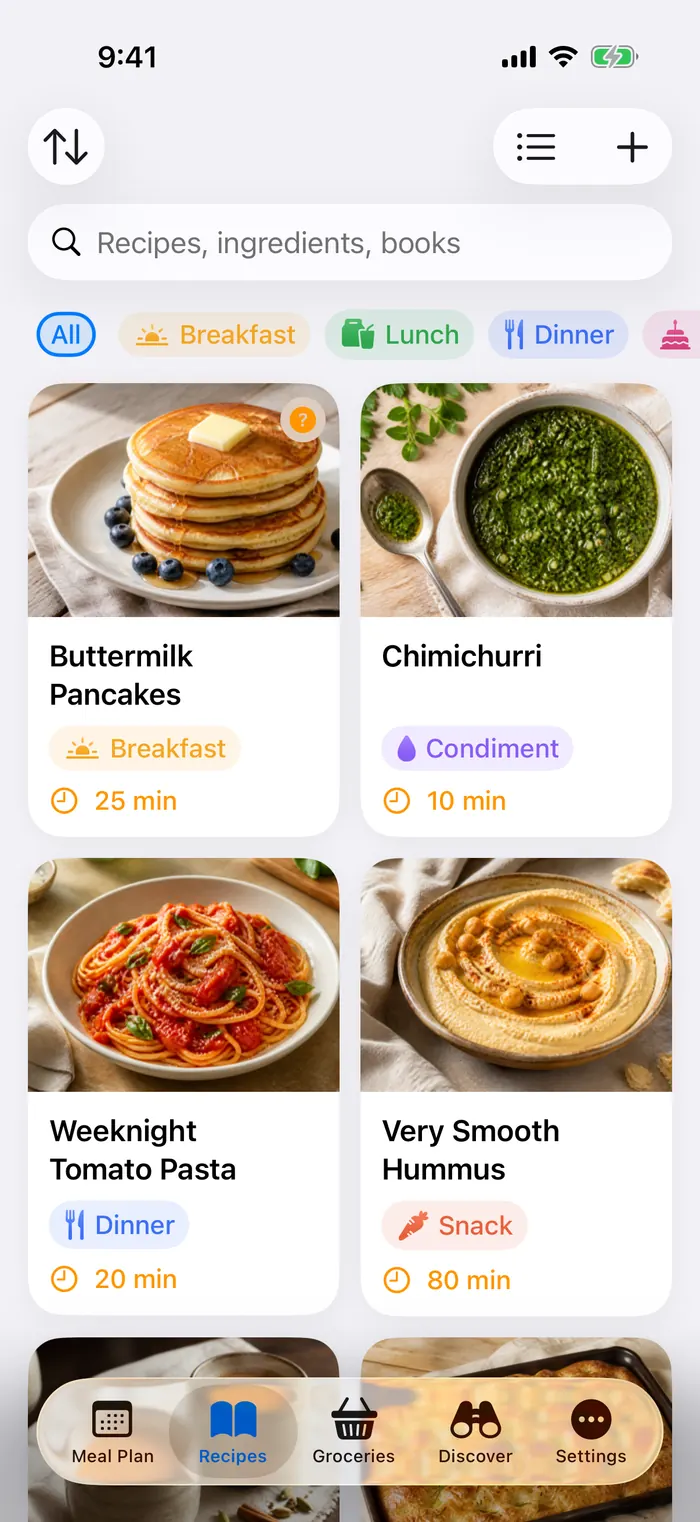
Find a recipe by name, ingredient, or cookbook. Switch between an image-rich grid and a compact list, with the original source attached to every recipe.
Cook Mode
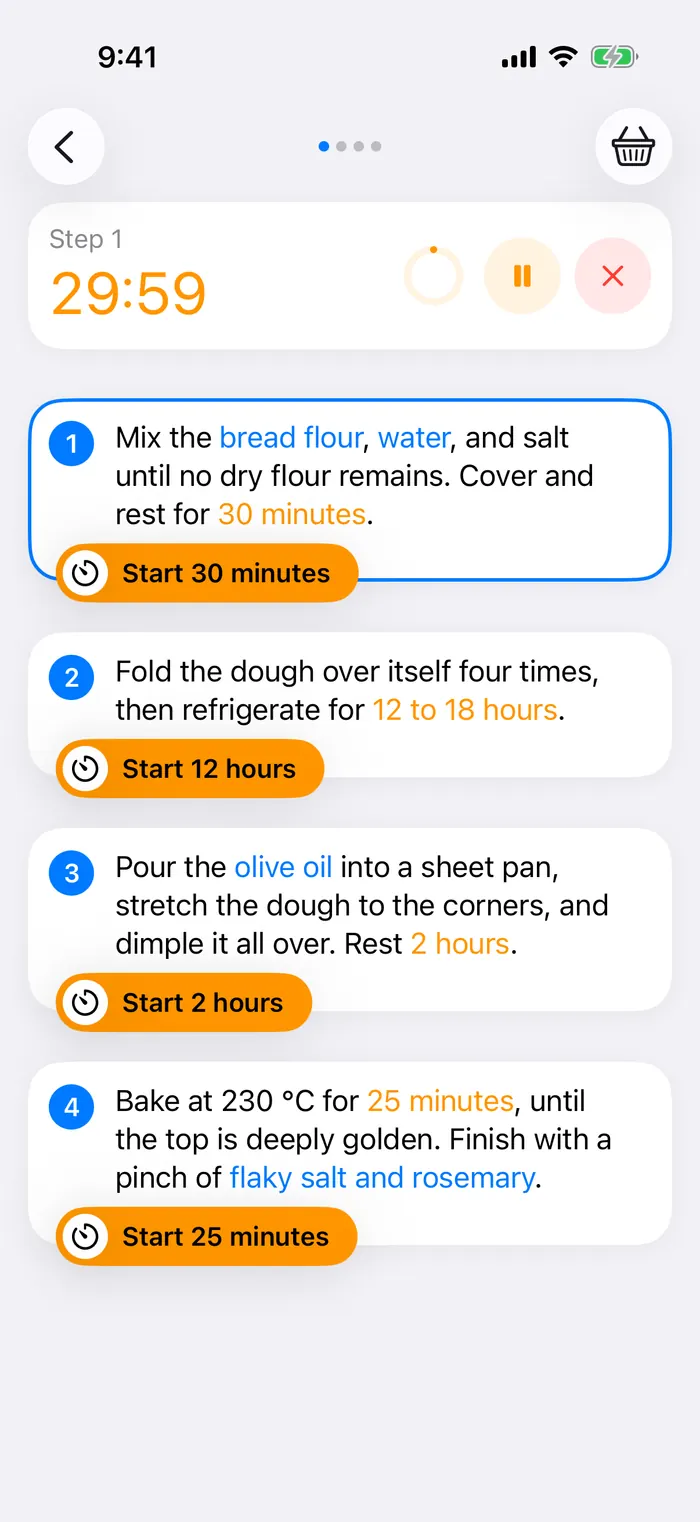
Stay focused on the current instruction, see linked ingredients in context, and run multiple timers that persist when you leave the app.
Plan and discover
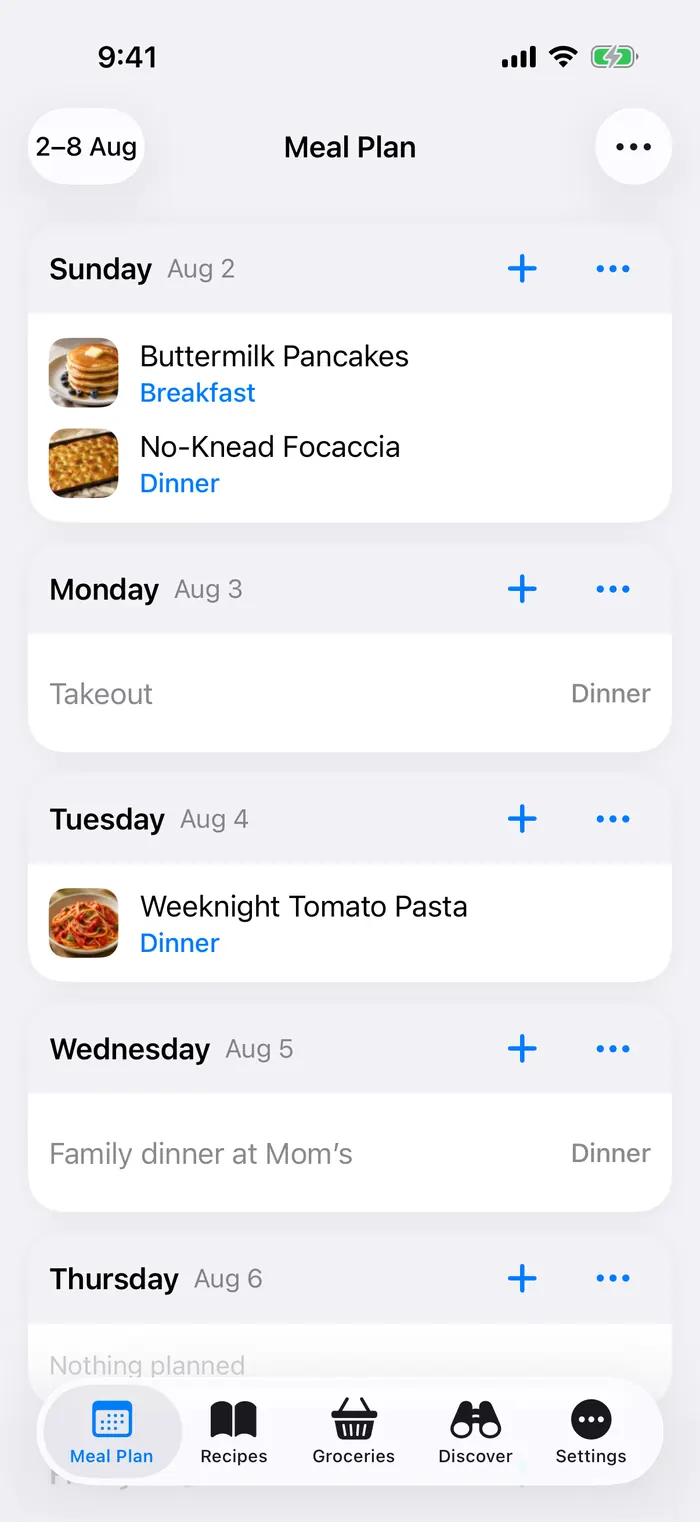
Plan meals by week or month, discover recipes by pantry readiness, then send the week’s missing ingredients to groceries in one move.
Groceries and scaling
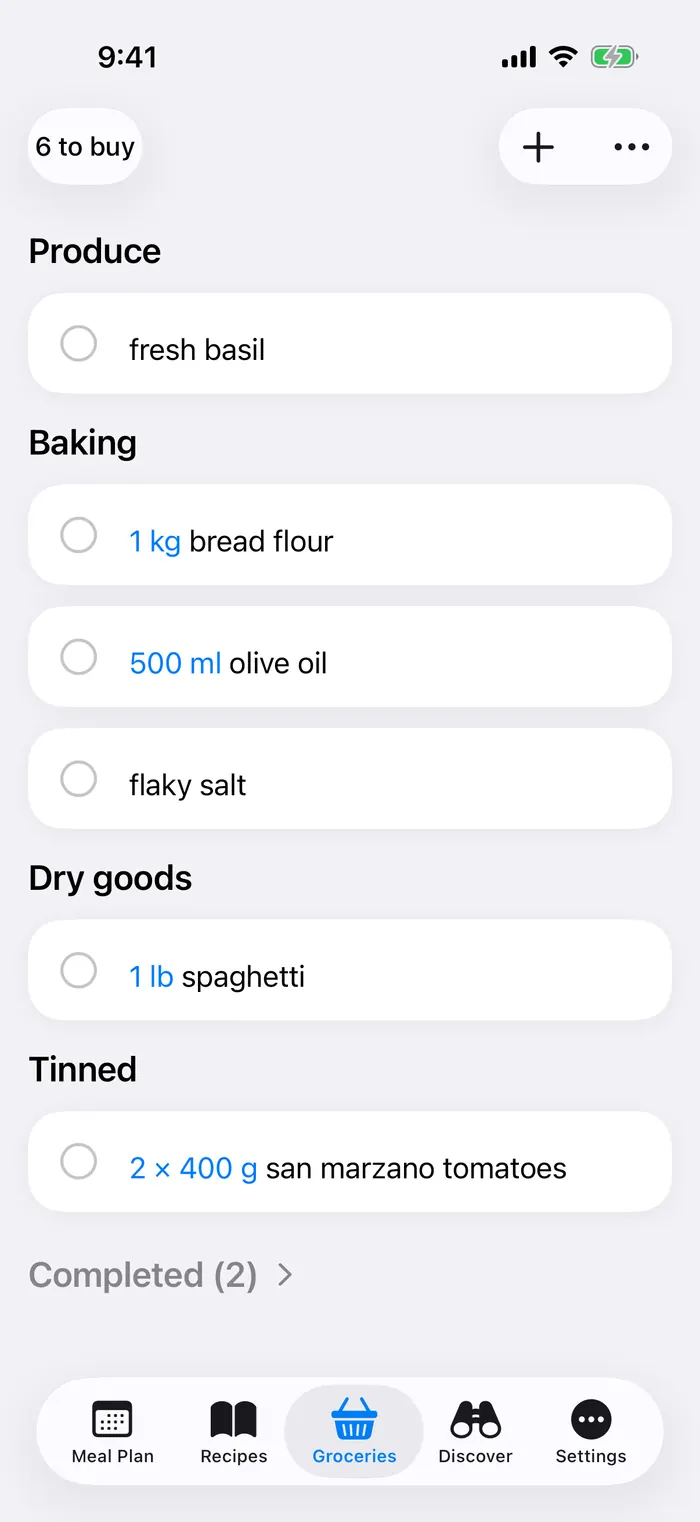
Ingredients merge into an aisle-by-aisle list. Scale a recipe with exact fractions and ranges, while whole items and intentionally unscaled ingredients stay sensible.
From a family cookbook to Friday dinner
Private by design
Scan, parse, plan, and cook locally. Crumb has no advertising SDK, analytics tracker, or account requirement for a local library.
Read the privacy policy →Cookbook OCR and ingredient understanding happen on your iPhone.
Keep recipes local, use iCloud, or connect your own Mealie server.
Only the recipe fields you preview are published to a 30-day unlisted link.
No advertising identifiers, cross-app tracking, cookies, or behavioral analytics.
Made for iPhone
Crumb works with familiar Apple features without turning them into the product.
Crumb is coming to the App Store. Questions before launch? We answer every support message ourselves.